Character Settings#

Character Set#

Input Character Set#

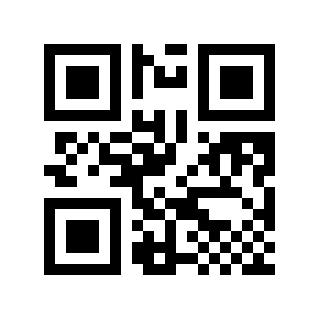
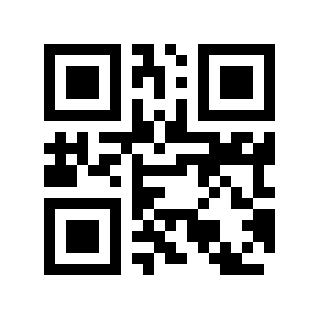
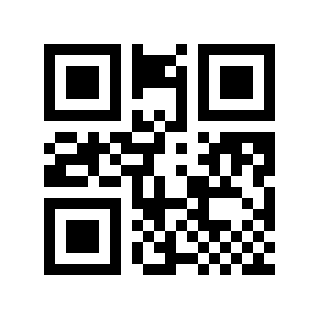
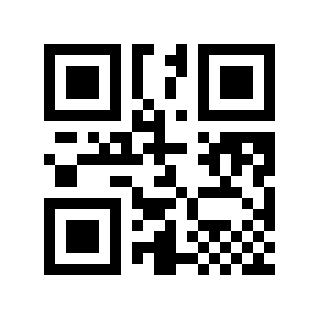
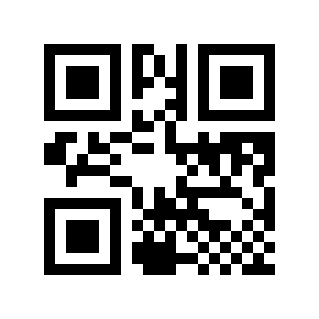
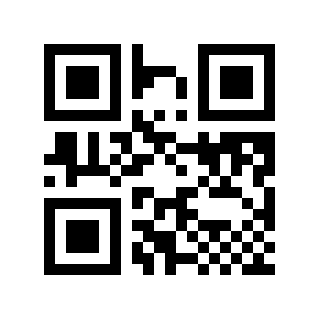
In order for the scan engine to correctly know the character set of the barcode data, it can be set by reading the “input character set”.
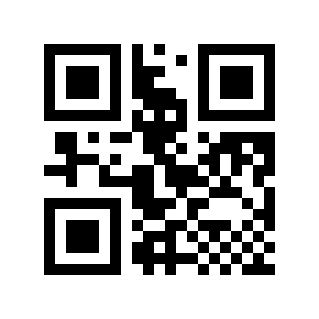
https://cdn.scandocs.net/scanner/manual/global/_shared/_images/module-212e/00101C0.png

* Automatic#

https://cdn.scandocs.net/scanner/manual/global/_shared/_images/module-212e/00101C1.png

GBK#

https://cdn.scandocs.net/scanner/manual/global/_shared/_images/module-212e/00101C2.png

UTF-8#

https://cdn.scandocs.net/scanner/manual/global/_shared/_images/module-212e/00101C3.png

ASCII#

https://cdn.scandocs.net/scanner/manual/global/_shared/_images/module-212e/00101C4.png

Shift-JISJapanese#

Output Character Set#

In order to meet the needs of the host character set, you can set it by reading the “output character set”.
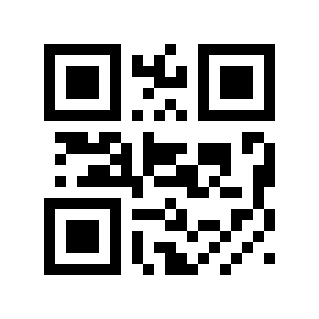
https://cdn.scandocs.net/scanner/manual/global/_shared/_images/module-212e/00101D0.png

*original Format#

https://cdn.scandocs.net/scanner/manual/global/_shared/_images/module-212e/00101D1.png

GBK#

https://cdn.scandocs.net/scanner/manual/global/_shared/_images/module-212e/00101D2.png

UTF-8#