إعدادات لوحة المفاتيح#

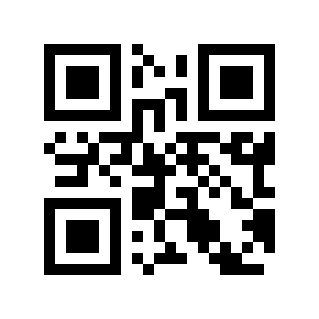
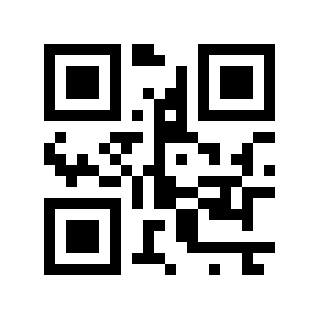
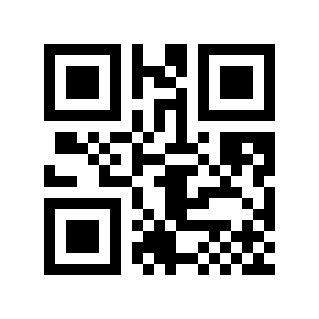
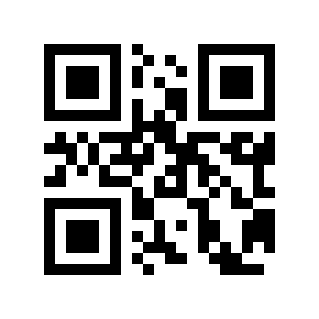
تخطيط لوحة المفاتيح#

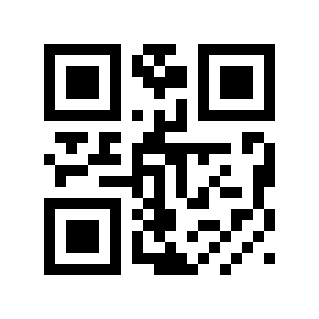
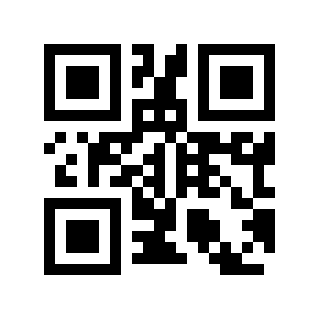
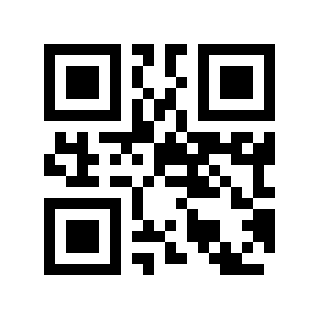
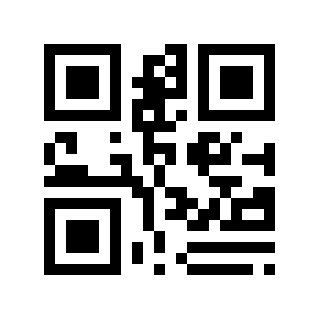
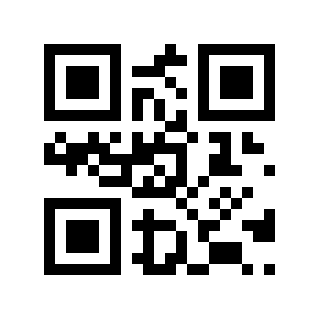
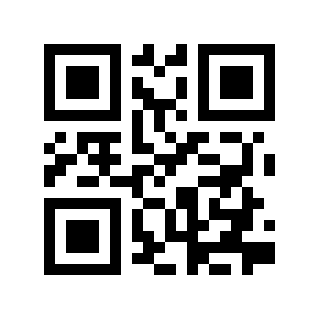
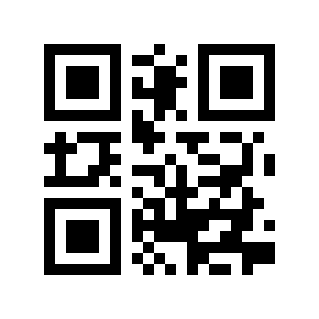
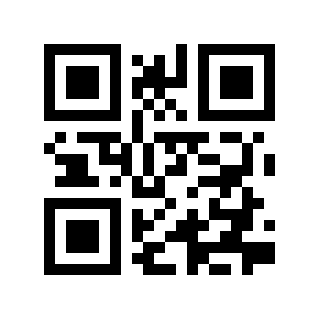
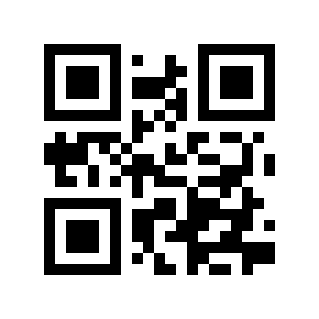
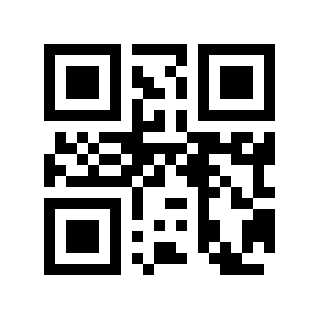
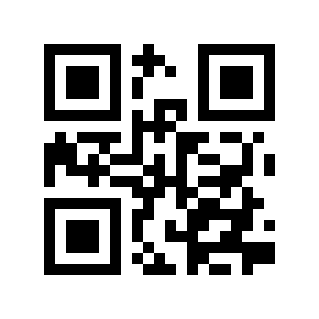
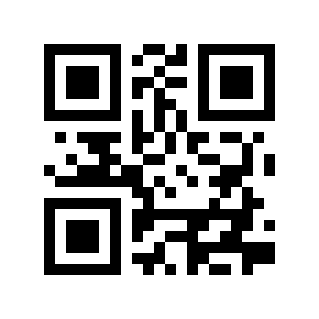
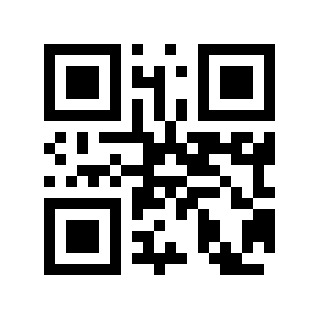
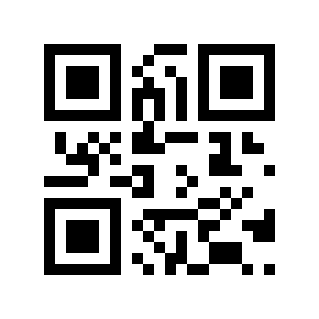
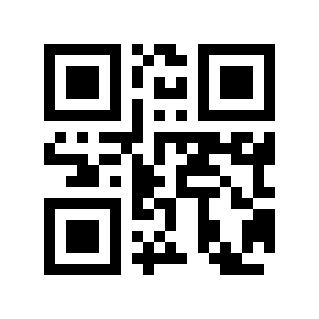
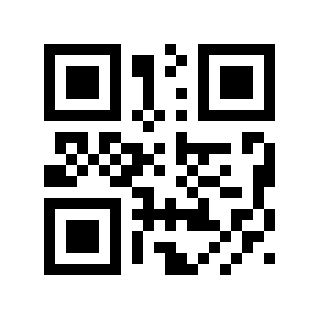
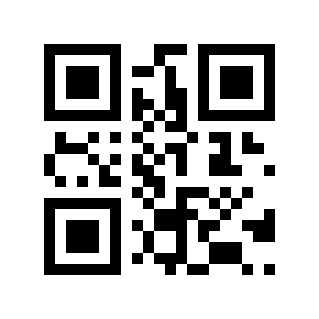
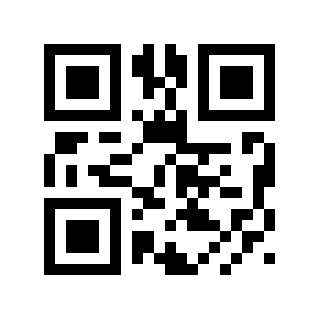
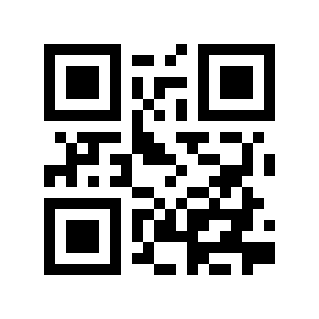
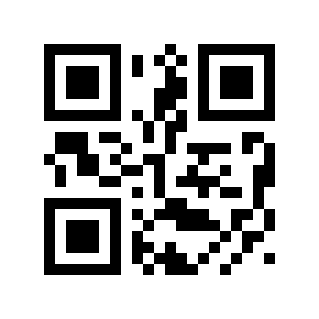
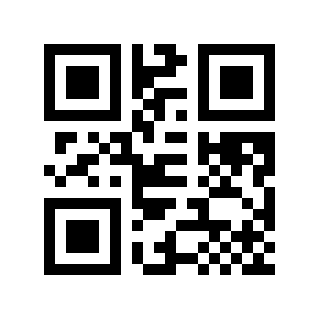
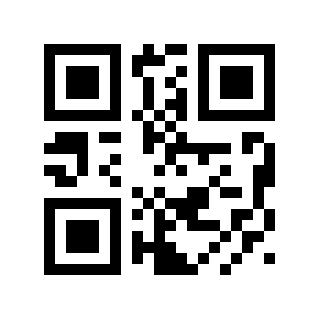
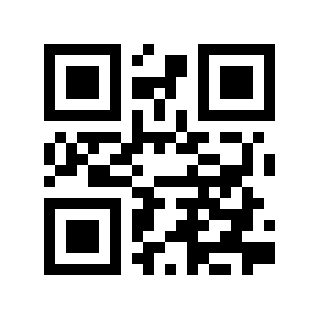
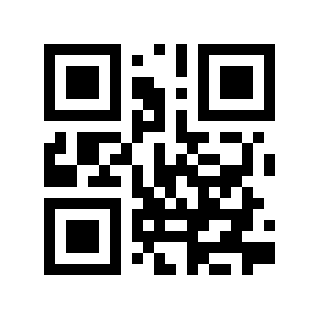
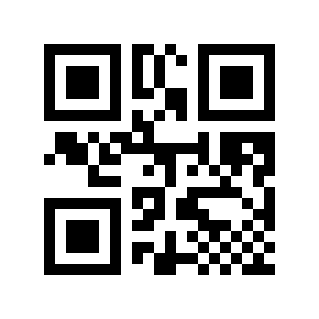
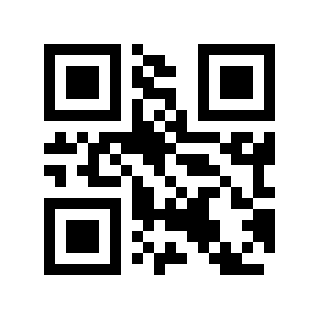
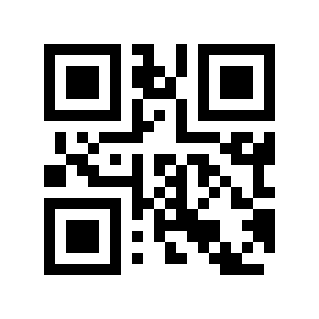
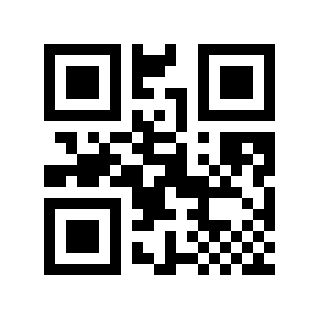
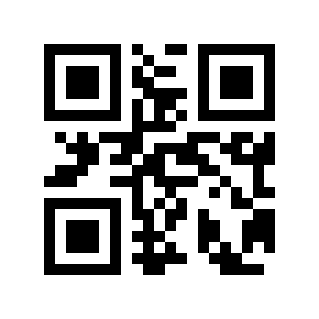
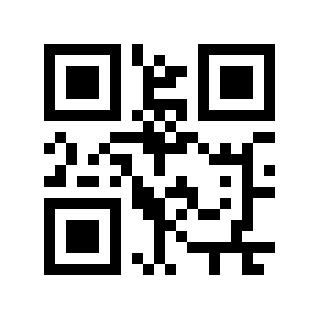
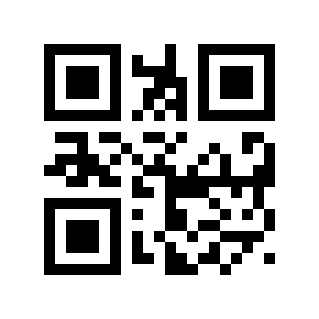
من أجل السماح للمضيفين في مختلف البلدان باستخدام الجهاز، يمكن إجراء الإعدادات من خلال قراءة "لوحة المفاتيح" الخاصة بالبلد المعني.
https://cdn.scandocs.net/scanner/manual/global/_shared/_images/module-212e/00100B1.png

* الولايات المتحدة الأمريكية#

https://cdn.scandocs.net/scanner/manual/global/_shared/_images/module-212e/00100B2.png

بلجيكا#

https://cdn.scandocs.net/scanner/manual/global/_shared/_images/module-212e/00100B3.png

البرازيل، البرتغالية (ABNT البرازيلية)#

https://cdn.scandocs.net/scanner/manual/global/_shared/_images/module-212e/00100B6.png

الدنمارك#

https://cdn.scandocs.net/scanner/manual/global/_shared/_images/module-212e/00100B7.png

فنلندا#

https://cdn.scandocs.net/scanner/manual/global/_shared/_images/module-212e/00100B8.png

فرنسا#

https://cdn.scandocs.net/scanner/manual/global/_shared/_images/module-212e/00100B9.png

النمسا، ألمانيا#

https://cdn.scandocs.net/scanner/manual/global/_shared/_images/module-212e/00100B10.png

اليونان#

https://cdn.scandocs.net/scanner/manual/global/_shared/_images/module-212e/00100B11.png

هنغاريا#

https://cdn.scandocs.net/scanner/manual/global/_shared/_images/module-212e/00100B13.png

إيطاليا#

https://cdn.scandocs.net/scanner/manual/global/_shared/_images/module-212e/00100B14.png

أمريكا اللاتينية، دول أمريكا الجنوبية#

https://cdn.scandocs.net/scanner/manual/global/_shared/_images/module-212e/00100B15.png

هولندا#

https://cdn.scandocs.net/scanner/manual/global/_shared/_images/module-212e/00100B16.png

النرويج#

https://cdn.scandocs.net/scanner/manual/global/_shared/_images/module-212e/00100B17.png

بولندا#

https://cdn.scandocs.net/scanner/manual/global/_shared/_images/module-212e/00100B18.png

البرتغال#

https://cdn.scandocs.net/scanner/manual/global/_shared/_images/module-212e/00100B19.png

رومانيا#

https://cdn.scandocs.net/scanner/manual/global/_shared/_images/module-212e/00100B20.png

روسيا#

https://cdn.scandocs.net/scanner/manual/global/_shared/_images/module-212e/00100B21.png

سلوفاكيا#

https://cdn.scandocs.net/scanner/manual/global/_shared/_images/module-212e/00100B22.png

إسبانيا#

https://cdn.scandocs.net/scanner/manual/global/_shared/_images/module-212e/00100B23.png

السويد#

https://cdn.scandocs.net/scanner/manual/global/_shared/_images/module-212e/00100B25.png

تركيا ف#

https://cdn.scandocs.net/scanner/manual/global/_shared/_images/module-212e/00100B26.png

تركي س#

https://cdn.scandocs.net/scanner/manual/global/_shared/_images/module-212e/00100B27.png

المملكة المتحدة.#

https://cdn.scandocs.net/scanner/manual/global/_shared/_images/module-212e/00100B28.png

اليابان#

https://cdn.scandocs.net/scanner/manual/global/_shared/_images/module-212e/00100B29.png

الجمهورية التشيكية#

https://cdn.scandocs.net/scanner/manual/global/_shared/_images/module-212e/00100B30.png

تايلاند ك#

https://cdn.scandocs.net/scanner/manual/global/_shared/_images/module-212e/00100B31.png

أوكرانيا#

https://cdn.scandocs.net/scanner/manual/global/_shared/_images/module-212e/00100B32.png

المنطقة العربية 101#

https://cdn.scandocs.net/scanner/manual/global/_shared/_images/module-212e/00100B33.png

كرواتيا، سلوفينيا#

https://cdn.scandocs.net/scanner/manual/global/_shared/_images/module-212e/00100B34.png

كوريا الجنوبية#

https://cdn.scandocs.net/scanner/manual/global/_shared/_images/module-212e/00100B35.png

بلغاريا#

https://cdn.scandocs.net/scanner/manual/global/_shared/_images/module-212e/00100B36.png

مشترك في العديد من البلدان#

https://cdn.scandocs.net/scanner/manual/global/_shared/_images/module-212e/00100B37.png

فيتنام#

نوع لوحة المفاتيح#

عند تمكين لوحة المفاتيح الافتراضية، يمكن إخراج الحروف الإنجليزية الصحيحة والرموز الإنجليزية والبيانات الرقمية في أي وضع لغة للوحة المفاتيح. عند استخدام لوحة المفاتيح الافتراضية، يجب عليك التأكد من تمكين المفاتيح الرقمية الموجودة على لوحة المفاتيح الصغيرة.
https://cdn.scandocs.net/scanner/manual/global/_shared/_images/module-212e/00100E0.png

* لوحة مفاتيح كويرتي#

https://cdn.scandocs.net/scanner/manual/global/_shared/_images/module-212e/00100E1.png

لوحة المفاتيح الافتراضية#

تحويل حالة حرف لوحة المفاتيح#

تحويل الحروف، عند إخراج الرموز الشريطية بمحتوى الحروف، يمكن تكوين نتيجة الإخراج لتكون كلها أحرف كبيرة أو كلها أحرف صغيرة. على سبيل المثال، إذا كان محتوى الرمز الشريطي هو: ab123dE، وإذا قمت بمسح الرمز الشريطي "التحويل إلى أحرف كبيرة" ضوئيًا، فستكون نتيجة الإخراج: AB123DE؛ إذا قمت بمسح الرمز الشريطي "التحويل إلى أحرف صغيرة"، فإن نتيجة الإخراج هي: abc123de؛ بشكل افتراضي، لا يتم تحويل الأحرف الكبيرة والصغيرة.
https://cdn.scandocs.net/scanner/manual/global/_shared/_images/module-212e/00100D0.png

* الإخراج العادي#

https://cdn.scandocs.net/scanner/manual/global/_shared/_images/module-212e/00100D1.png

جميع القبعات#

https://cdn.scandocs.net/scanner/manual/global/_shared/_images/module-212e/00100D2.png

كل الحروف الصغيرة#

https://cdn.scandocs.net/scanner/manual/global/_shared/_images/module-212e/00100D3.png

الحالة المعاكسة#

الفاصل الزمني لنقل حرف لوحة المفاتيح#

يمكننا تحسين التوافق وتقليل احتمالية فقدان البيانات عن طريق تحديد الفاصل الزمني للإرسال بين أحرف لوحة المفاتيح. نطاق إعداد الفاصل الزمني: 0-65535 مللي ثانية، القيمة الافتراضية: 5 مللي ثانية.

قم بمسح رمز الإعداد "الفاصل الزمني لنقل الأحرف".
https://cdn.scandocs.net/scanner/manual/global/_shared/_images/module-212e/00100C.png

الفاصل الزمني لنقل الأحرف#

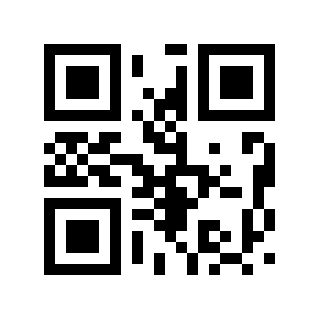
قم بمسح "رمز الإعداد الرقمي". على سبيل المثال، إذا كانت المدة 10 مللي ثانية، فافحص 1,0؛ إذا كانت المدة 100 مللي ثانية، قم بمسح 1,0,0.

قم بمسح رمز الإعداد "موافق" لإنهاء الإعداد
https://cdn.scandocs.net/scanner/manual/global/_shared/_images/module-212e/111000.png

بالتأكيد#

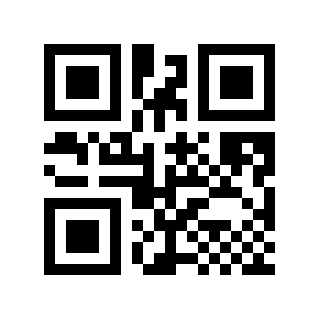
الإعداد السريع للفاصل الزمني لنقل أحرف لوحة المفاتيح#
https://cdn.scandocs.net/scanner/manual/global/_shared/_images/module-212e/00100C0.png

0ms#

https://cdn.scandocs.net/scanner/manual/global/_shared/_images/module-212e/00100C5.png

*5 مللي ثانية#

https://cdn.scandocs.net/scanner/manual/global/_shared/_images/module-212e/00100C10.png

10ms#

https://cdn.scandocs.net/scanner/manual/global/_shared/_images/module-212e/00100C20.png

20ms#

https://cdn.scandocs.net/scanner/manual/global/_shared/_images/module-212e/00100C30.png

30ms#

https://cdn.scandocs.net/scanner/manual/global/_shared/_images/module-212e/00100C50.png

50ms#

وضع إخراج حرف التحكم بلوحة المفاتيح#

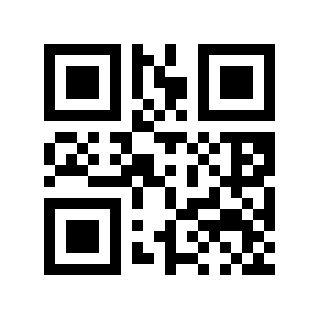
اختيار وضع إخراج حرف التحكم (0x00-0x1F) في كود ASCII

مفتاح وظيفة الإخراج: يتم استخدام أحرف التحكم كمفاتيح وظائف مخصصة. للحصول على وظائف محددة، راجع جدول مقارنة الكود ASCII.

مجموعة مفاتيح CTRL للإخراج: يقوم وضع مجموعة مفاتيح CTRL بإخراج أحرف التحكم. للحصول على وظائف محددة، راجع جدول مقارنة الكود ASCII.

ALT للإخراج + المفاتيح الرقمية: يدعم إخراج أحرف التحكم الكاملة في البيئة الصينية، راجع جدول مقارنة الكود ASCII للتعرف على وظائف محددة.
https://cdn.scandocs.net/scanner/manual/global/_shared/_images/module-212e/0010310.png

* مفاتيح وظائف الإخراج#

https://cdn.scandocs.net/scanner/manual/global/_shared/_images/module-212e/0010311.png

مجموعة مفاتيح الإخراج CTRL#

https://cdn.scandocs.net/scanner/manual/global/_shared/_images/module-212e/0010312.png

ALT الإخراج + مفاتيح رقمية#