Data Editing#
Important
On this page, perform settings in the order: Start Setup -> Function Setting Barcode -> End Setup.
Output format#
The following is the data output format.
Field |
Length / Description |
|---|---|
Barcode Information |
|
Prefix |
|
AIM ID |
|
Barcode Data |
|
Suffix |
|
Terminator |
|
Barcode Information#
Important
For this procedure, perform settings in the order: Start Setup -> Function Setting Barcode -> End Setup.
By default, barcode information is not output.
Use a serial command or scan a setting barcode to enable or disable barcode information output.
Warning
This function is supported only in serial mode and is not supported in USB keyboard mode.
The format is defined as follows:
Field |
Length / Description |
|---|---|
Start Flag |
|
Barcode Symbology Code |
|
Barcode Length |
|
Barcode symbology codes are as follows:
Code |
Barcode Type |
|---|---|
|
PDF417 |
|
Micro PDF417 |
|
Data Matrix |
|
QR Code |
|
Micro QR |
|
Aztec |
|
MaxiCode |
|
UPC-A |
|
UPC-E |
|
EAN-8 |
|
EAN-13 |
|
Code 128 |
|
Code 39 |
|
Code 93 |
|
Code 32 |
|
Code 11 |
|
Codabar |
|
Plessey |
|
MSI Plessey |
|
Interleaved 2 of 5 |
|
IATA 2 of 5 |
|
Matrix 2 of 5 |
|
Straight 2 of 5 |
|
Pharmacode |
|
GS1 DataBar 14 |
|
GS1 DataBar Expanded |
|
GS1 DataBar Limited |
|
Composite Code-A |
|
Composite Code-B |
|
Composite Code-C |
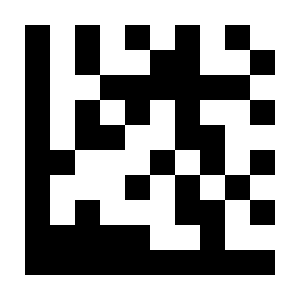
* Disable#
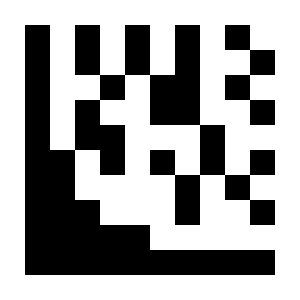
Enable#
Prefix#
Important
For this procedure, perform settings in the order: Start Setup -> Function Setting Barcode -> End Setup.
Add output characters before barcode data. Up to 4 characters can be set.
Example: Add the character a before all barcode data
Scan “Start Setup”.
Scan the “Set Prefix for All Symbologies” setting barcode.
Scan the
asetting barcode in ASCII Code Table.Scan “End Setup”.
Example: Remove the prefix
Scan “Start Setup”.
Scan the “Disable Prefix for All Symbologies” setting barcode.
Scan “End Setup”.
Example: Add the characters &13 before EAN-13 barcode data
Scan “Start Setup”.
Scan the “Set EAN-13 Prefix” setting barcode.
Scan the
&setting barcode in ASCII Code Table.Scan the
1setting barcode in ASCII Code Table.Scan the
3setting barcode in ASCII Code Table.Scan “End Setup”.
Example: Remove the EAN-13 prefix
Scan “Start Setup”.
Scan the “Disable EAN-13 Prefix” setting barcode.
Scan “End Setup”.
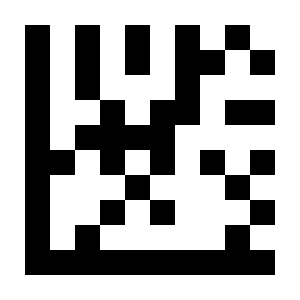
* Disable Prefix for All Symbologies#
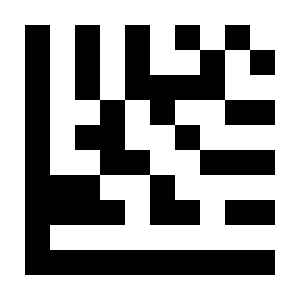
Set Prefix for All Symbologies#
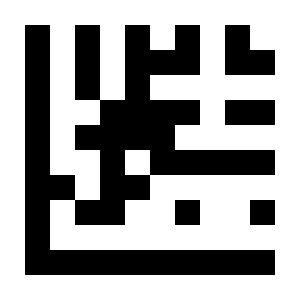
Set UPC-A Prefix#
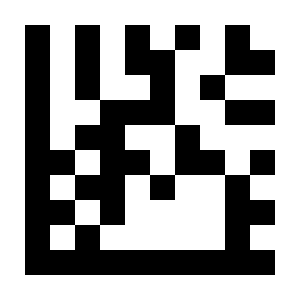
Disable UPC-A Prefix#
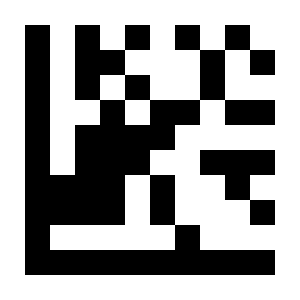
Set UPC-E Prefix#
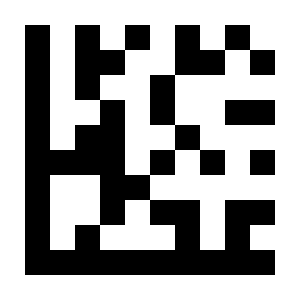
Disable UPC-E Prefix#
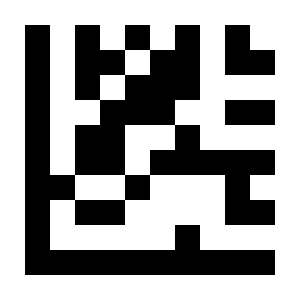
Set EAN-8 Prefix#
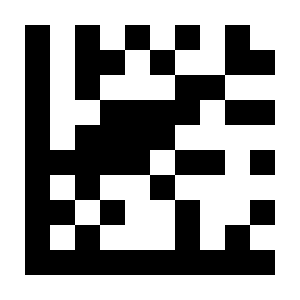
Disable EAN-8 Prefix#
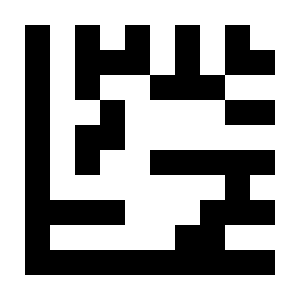
Set EAN-13 Prefix#
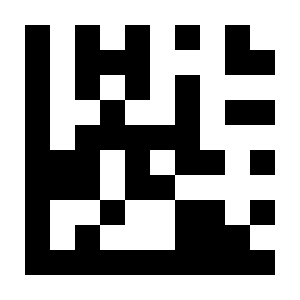
Disable EAN-13 Prefix#
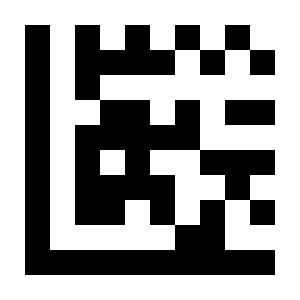
Set Code 128 Prefix#
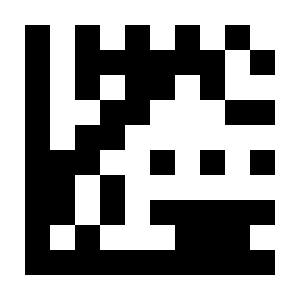
Disable Code 128 Prefix#
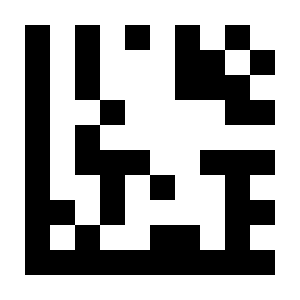
Set Code 39 Prefix#
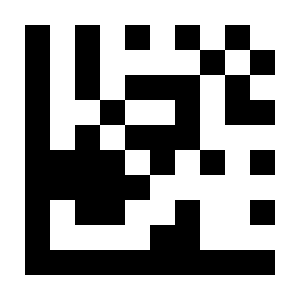
Disable Code 39 Prefix#
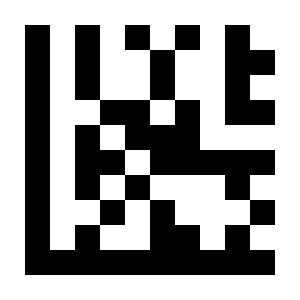
Set Code 93 Prefix#
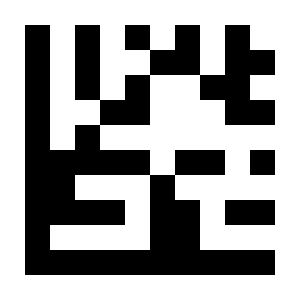
Disable Code 93 Prefix#
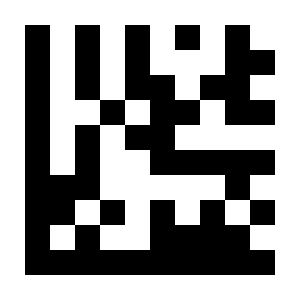
Set Code 32 Prefix#
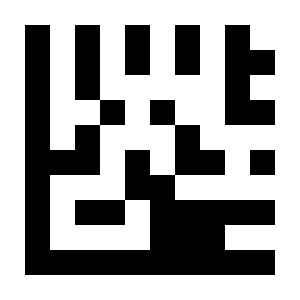
Disable Code 32 Prefix#
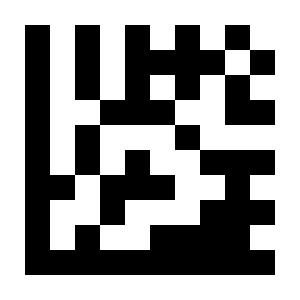
Set Code 11 Prefix#
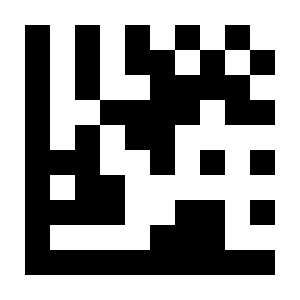
Disable Code 11 Prefix#
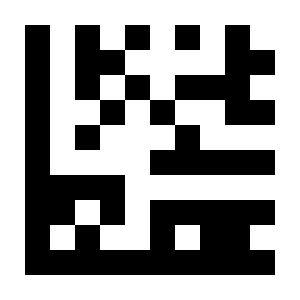
Set Codabar Prefix#
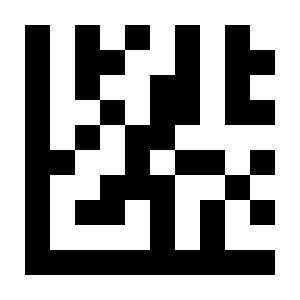
Disable Codabar Prefix#
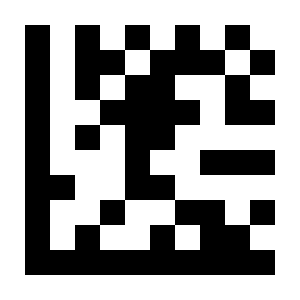
Set Plessey Prefix#
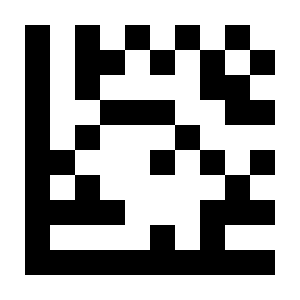
Disable Plessey Prefix#
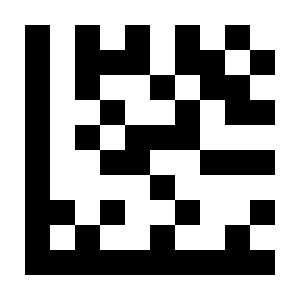
Set MSI Plessey Prefix#
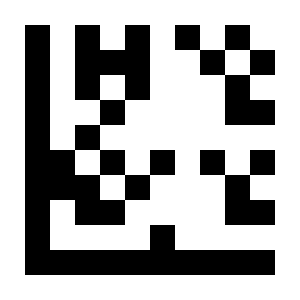
Disable MSI Plessey Prefix#
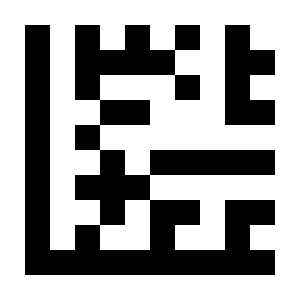
Set Interleaved 2 of 5 Prefix#
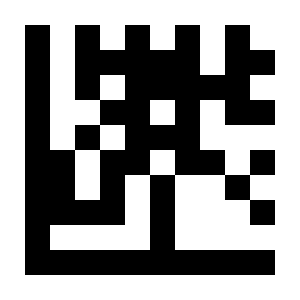
Disable Interleaved 2 of 5 Prefix#
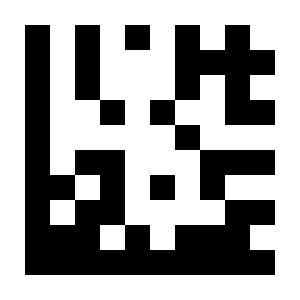
Set IATA 2 of 5 Prefix#
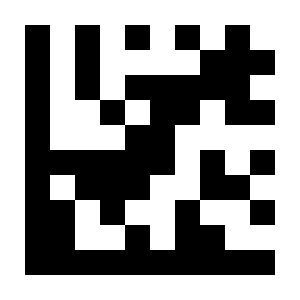
Disable IATA 2 of 5 Prefix#
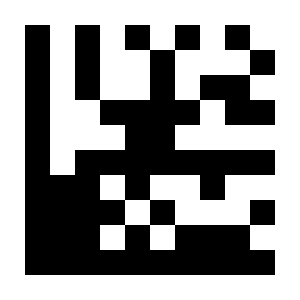
Set Matrix 2 of 5 Prefix#
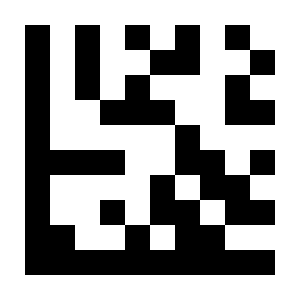
Disable Matrix 2 of 5 Prefix#
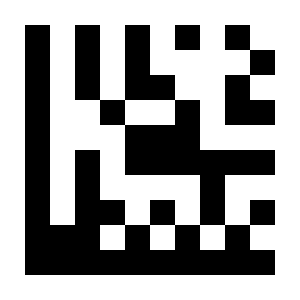
Set Straight 2 of 5 Prefix#
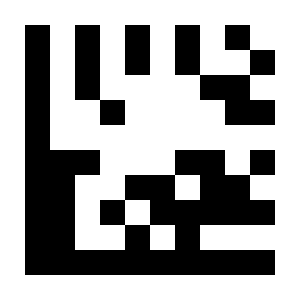
Disable Straight 2 of 5 Prefix#
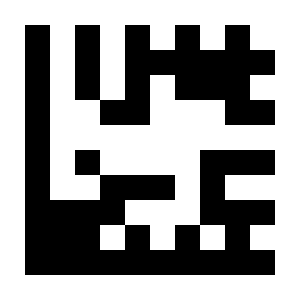
Set Pharmacode Prefix#
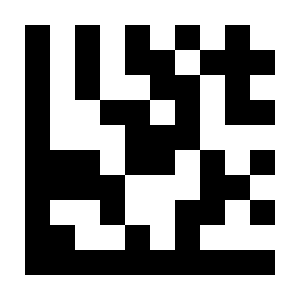
Disable Pharmacode Prefix#
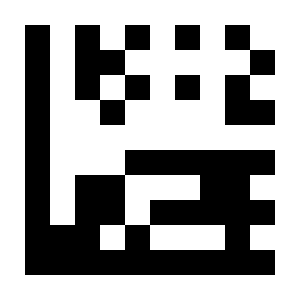
Set GS1 DataBar 14 Prefix#
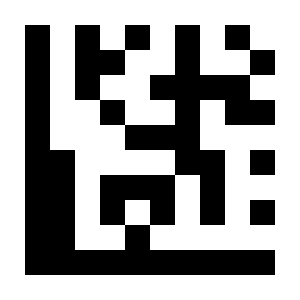
Disable GS1 DataBar 14 Prefix#
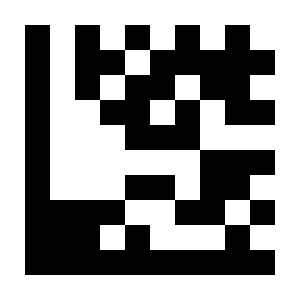
Set GS1 DataBar Expanded Prefix#
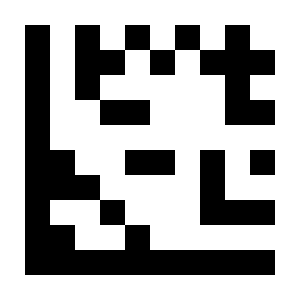
Disable GS1 DataBar Expanded Prefix#
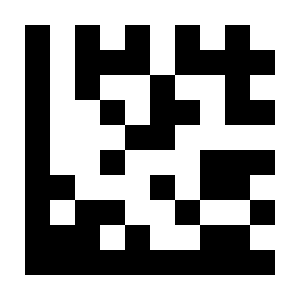
Set GS1 DataBar Limited Prefix#
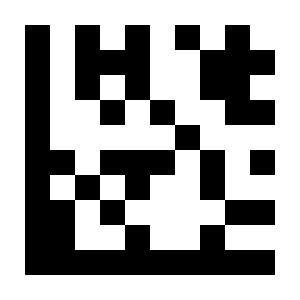
Disable GS1 DataBar Limited Prefix#
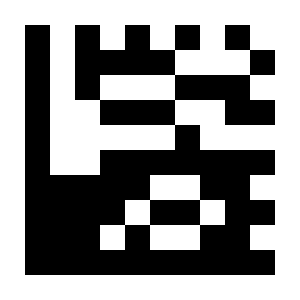
Set Composite Code A Prefix#
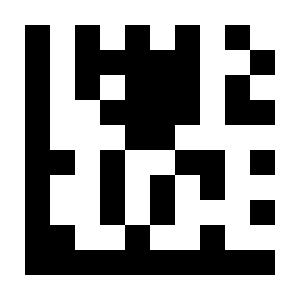
Disable Composite Code A Prefix#
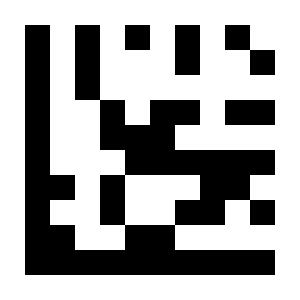
Set Composite Code B Prefix#
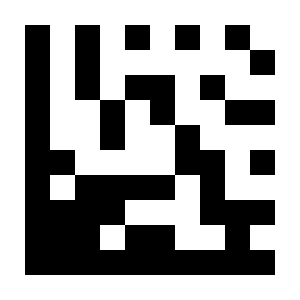
Disable Composite Code B Prefix#
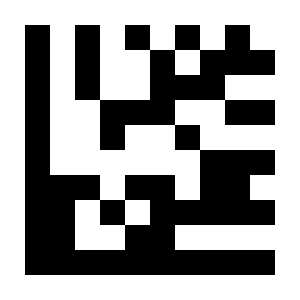
Set Composite Code C Prefix#
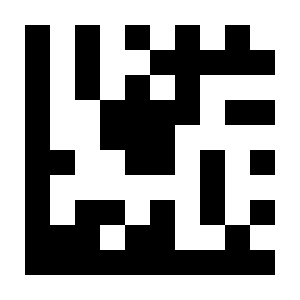
Disable Composite Code C Prefix#
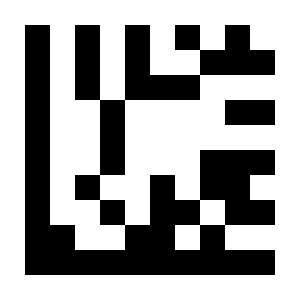
Set PDF417 Prefix#
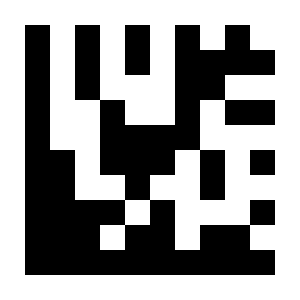
Disable PDF417 Prefix#
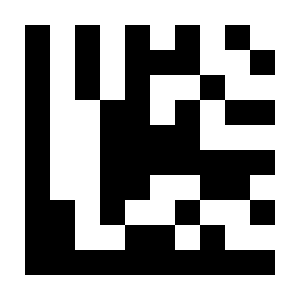
Set Micro PDF417 Prefix#
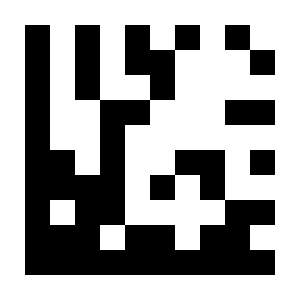
Disable Micro PDF417 Prefix#
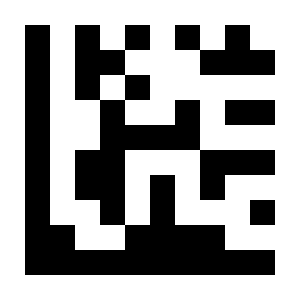
Set Data Matrix Prefix#
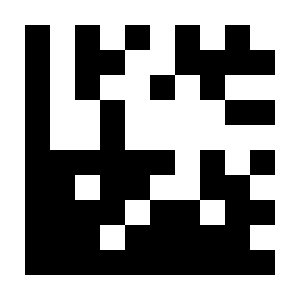
Disable Data Matrix Prefix#
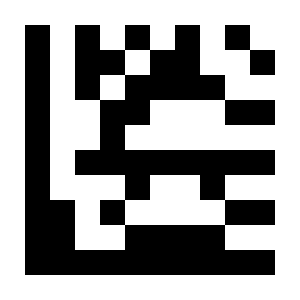
Set QR Code Prefix#
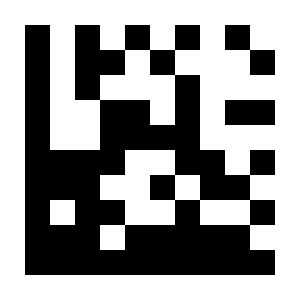
Disable QR Code Prefix#
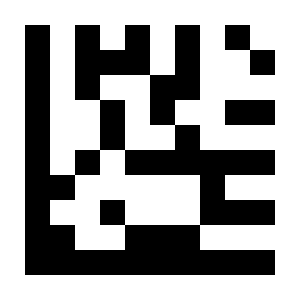
Set Micro QR Prefix#
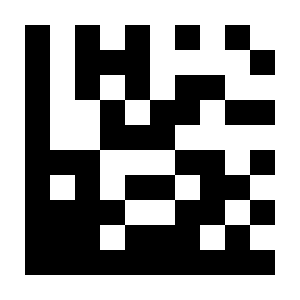
Disable Micro QR Prefix#
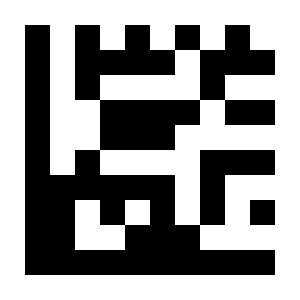
Set Aztec Prefix#
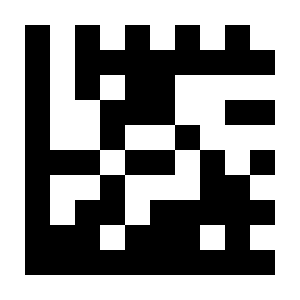
Disable Aztec Prefix#
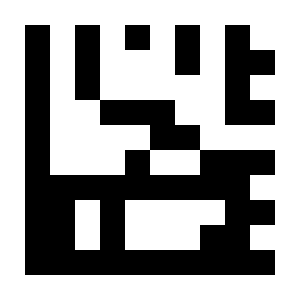
Set MaxiCode Prefix#
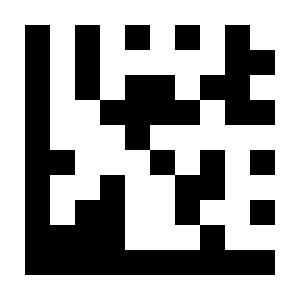
Disable MaxiCode Prefix#
Suffix#
Add output characters after barcode data. Up to 4 characters can be set.
Example: Add the character a after all barcode data
Scan “Start Setup”.
Scan the “Set All SymbologiesSuffix” setting barcode.
Scan the
asetting barcode in ASCII Code Table.Scan “End Setup”.
Example: Remove the suffix
Scan “Start Setup”.
Scan the “Disable All SymbologiesSuffix” setting barcode.
Scan “End Setup”.
Example: Add the characters &13 after EAN-13 barcode data
Scan “Start Setup”.
Scan the “Set EAN-13 Suffix” setting barcode.
Scan the
&setting barcode in ASCII Code Table.Scan the
1setting barcode in ASCII Code Table.Scan the
3setting barcode in ASCII Code Table.Scan “End Setup”.
Example: Remove the EAN-13 suffix
Scan “Start Setup”.
Scan the “Disable EAN-13 Suffix” setting barcode.
Scan “End Setup”.
Note
The source document does not provide extractable suffix setting barcode images for this section. The suffix options are listed below for now and can be restored to scannable items after the missing images are added.
Applicable Symbology |
Setting Item |
Disable Item |
|---|---|---|
All Symbologies |
Set Suffix for All Symbologies |
* Disable Suffix for All Symbologies |
UPC-A |
Set UPC-A Suffix |
Disable UPC-A Suffix |
UPC-E |
Set UPC-E Suffix |
Disable UPC-E Suffix |
EAN-8 |
Set EAN-8 Suffix |
Disable EAN-8 Suffix |
EAN-13 |
Set EAN-13 Suffix |
Disable EAN-13 Suffix |
Code 128 |
Set Code 128 Suffix |
Disable Code 128 Suffix |
Code 39 |
Set Code 39 Suffix |
Disable Code 39 Suffix |
Code 93 |
Set Code 93 Suffix |
Disable Code 93 Suffix |
Code 32 |
Set Code 32 Suffix |
Disable Code 32 Suffix |
Code 11 |
Set Code 11 Suffix |
Disable Code 11 Suffix |
Codabar |
Set Codabar Suffix |
Disable Codabar Suffix |
Plessey |
Set Plessey Suffix |
Disable Plessey Suffix |
MSI Plessey |
Set MSI Plessey Suffix |
Disable MSI Plessey Suffix |
Interleaved 2 of 5 |
Set Interleaved 2 of 5 Suffix |
Disable Interleaved 2 of 5 Suffix |
IATA 2 of 5 |
Set IATA 2 of 5 Suffix |
Disable IATA 2 of 5 Suffix |
Matrix 2 of 5 |
Set Matrix 2 of 5 Suffix |
Disable Matrix 2 of 5 Suffix |
Straight 2 of 5 |
Set Straight 2 of 5 Suffix |
Disable Straight 2 of 5 Suffix |
Pharmacode |
Set Pharmacode Suffix |
Disable Pharmacode Suffix |
GS1 DataBar 14 |
Set GS1 DataBar 14 Suffix |
Disable GS1 DataBar 14 Suffix |
GS1 DataBar Expanded |
Set GS1 DataBar Expanded Suffix |
Disable GS1 DataBar Expanded Suffix |
GS1 DataBar Limited |
Set GS1 DataBar Limited Suffix |
Disable GS1 DataBar Limited Suffix |
Composite Code A |
Set Composite Code A Suffix |
Disable Composite Code A Suffix |
Composite Code B |
Set Composite Code B Suffix |
Disable Composite Code B Suffix |
Composite Code C |
Set Composite Code C Suffix |
Disable Composite Code C Suffix |
PDF417 |
Set PDF417 Suffix |
Disable PDF417 Suffix |
Micro PDF417 |
Set Micro PDF417 Suffix |
Disable Micro PDF417 Suffix |
Data Matrix |
Set Data Matrix Suffix |
Disable Data Matrix Suffix |
QR Code |
Set QR Code Suffix |
Disable QR Code Suffix |
Micro QR |
Set Micro QR Suffix |
Disable Micro QR Suffix |
Aztec |
Set Aztec Suffix |
Disable Aztec Suffix |
MaxiCode |
Set MaxiCode Suffix |
Disable MaxiCode Suffix |
Barcode Identifier#
Important
For this procedure, perform settings in the order: Start Setup -> Function Setting Barcode -> End Setup.
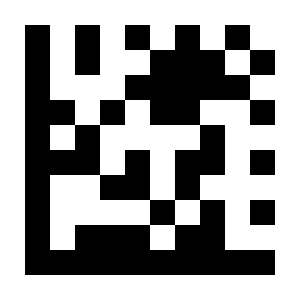
* Disable Barcode Identifier#
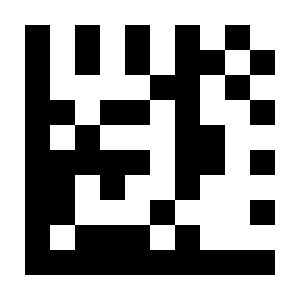
Enable AIM Barcode Identifier# |
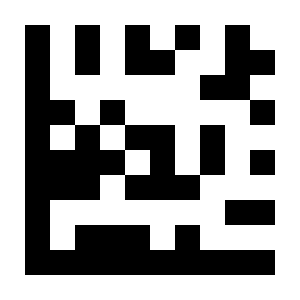
Enable NETUM Barcode Identifier# |
Barcode Identifier Table
Symbology |
NETUM |
AIM |
|---|---|---|
UPC-A |
A |
E |
UPC-E |
E |
E |
EAN-8 |
FF |
E |
EAN-13 |
F |
E |
Code 128 |
K |
C |
Code 39 |
M |
A |
Code 93 |
L |
G |
Code 32 |
M |
A |
Code 11 |
O |
H |
Codabar |
N |
F |
Plessey |
P |
P |
MSI / Plessey |
a |
M |
Interleaved 2 of 5 |
I |
I |
IATA 2 of 5 |
Z |
R |
Matrix 2 of 5 |
G |
X |
Straight 2 of 5 |
S |
S |
Pharmacode |
H |
X |
GS1 DataBar 14 |
RS |
e |
GS1 DataBar Expanded |
RX |
e |
GS1 DataBar Limited |
RL |
e |
Composite CC-A |
m |
e |
Composite CC-B |
n |
e |
Composite CC-C |
i |
e |
PDF417 |
r |
L |
Micro PDF417 |
s |
L |
Data Matrix |
t |
d |
QR Code |
u |
Q |
Micro QR |
j |
Q |
Aztec |
e |
Z |
MaxiCode |
v |
U |
Terminator#
Important
For this procedure, perform settings in the order: Start Setup -> Function Setting Barcode -> End Setup.
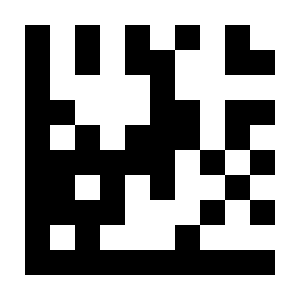
none#
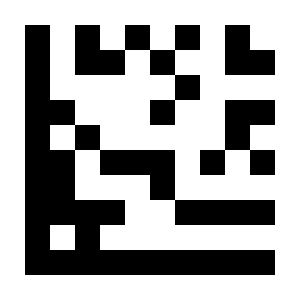
* Carriage Return / CR#
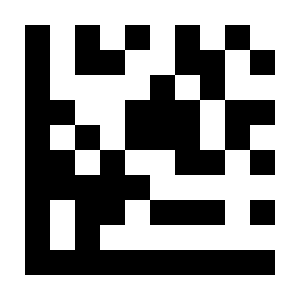
CR / LF#
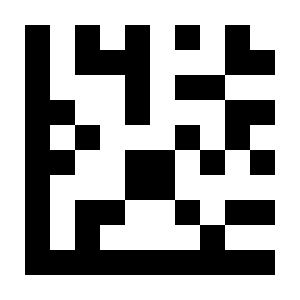
TAB#